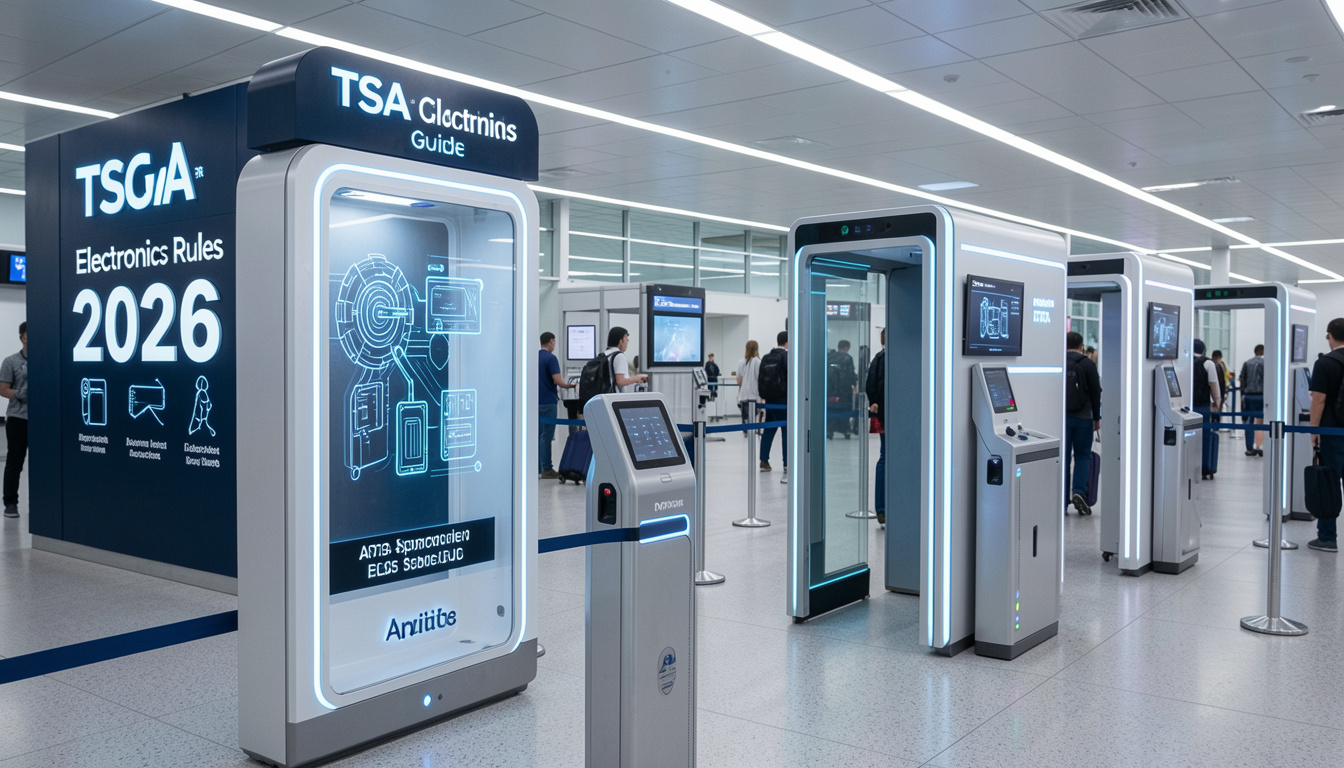
The TSA Electronics Rules are designed to keep passengers safe while allowing them to travel with the electronic devices they use every day. Most electronics are permitted on commercial flights, but how you pack them depends on the type of device and whether it contains rechargeable lithium batteries.
The TSA works alongside the Federal Aviation Administration (FAA) to regulate electronic devices on airplanes. While TSA focuses on airport security screening, the FAA sets safety standards for batteries and hazardous materials during flights.
Quick Answer
Yes, the TSA allows most electronic devices in both carry-on and checked luggage. However, devices containing lithium batteries—including laptops, smartphones, tablets, power banks, cameras, and drones—are generally safest and often required to be packed in your carry-on bag. During security screening, larger electronics may need to be removed from your bag unless you’re using a TSA-approved screening lane. Always ensure devices are charged if requested for inspection.
Traveling with electronics has become part of everyday life. Whether you’re bringing a laptop for work, a camera for vacation, or a phone to stay connected, understanding the latest TSA Electronics Rules helps you move through airport security with confidence. Packing your devices the right way can prevent delays, extra screening, and unnecessary stress.
The Transportation Security Administration (TSA) updates its procedures as technology changes. While most electronics are allowed on airplanes, certain items—especially those containing lithium batteries—have special packing requirements. Knowing which devices belong in your carry-on and which can safely travel in checked baggage can make your trip smoother from start to finish.
This complete guide explains everything you need to know about TSA Electronics Rules for 2026. You’ll learn what electronics are allowed, how to pack them correctly, battery regulations, security screening tips, and practical advice for both domestic and international travelers.
Why These Rules Matter
Following TSA guidelines offers several benefits:
- Speeds up security screening
- Helps avoid unnecessary inspections
- Protects expensive electronics
- Reduces fire risks from lithium batteries
- Prevents confiscation of prohibited items
- Makes travel more organized
Many travelers assume every electronic item follows the same rules, but that’s not always true. A laptop, for example, has different screening requirements than wireless earbuds or a smartwatch.
How TSA Screens Electronics
When your carry-on bag passes through the X-ray machine, TSA officers look for anything that requires closer inspection. Larger electronics often create dense images, making it harder to see what’s underneath them.
Depending on the airport and screening technology, you may be asked to:
- Remove laptops from your bag.
- Place tablets in a separate bin.
- Turn on electronic devices if requested.
- Remove oversized cameras.
- Separate gaming consoles if instructed.
Many airports now use advanced CT scanners, allowing travelers to leave electronics inside their bags. However, procedures still vary by airport, so it’s best to follow instructions from TSA officers.
Electronics That Usually Require Extra Screening
These devices commonly receive additional attention:
| Electronic Device | Extra Screening Possible? |
| Laptop | ✅ Yes |
| Desktop Computer | ✅ Yes |
| Gaming Console | ✅ Sometimes |
| DSLR Camera | ✅ Sometimes |
| Tablet | ✅ Sometimes |
| Projector | ✅ Yes |
| Drone | ✅ Sometimes |
| Portable Monitor | ✅ Sometimes |
Small electronics such as phones, earbuds, smartwatches, fitness trackers, and Bluetooth speakers usually remain inside your carry-on unless an officer requests otherwise.
TSA vs FAA: Understanding the Difference
Many travelers confuse TSA regulations with FAA regulations.
| TSA | FAA |
| Screens passengers and baggage | Regulates flight safety |
| Controls airport security | Regulates battery safety |
| Checks prohibited items | Determines lithium battery restrictions |
| Operates airport checkpoints | Oversees hazardous materials |
Together, these agencies ensure electronic devices are both safe to carry and safe to transport on aircraft.
Electronics You Can Bring on a Plane
The good news is that most personal electronics are allowed when flying within the United States. The key is packing them properly based on battery type and size.
Common approved electronics include:
Personal Devices
- Smartphones
- Tablets
- Laptops
- Smartwatches
- E-readers
- Fitness trackers
These everyday devices are generally accepted in both carry-on and checked luggage, although carry-on is recommended for items with lithium batteries.
Work Electronics
Business travelers frequently carry:
- Laptop computers
- Portable monitors
- External keyboards
- Computer mice
- USB hubs
- External hard drives
- Flash drives
- Presentation clickers
These items typically pass through security without issues, though laptops may require separate screening.
Photography Equipment
Photography enthusiasts can usually travel with:
- DSLR cameras
- Mirrorless cameras
- Action cameras
- Camera lenses
- Tripods (small)
- Camera chargers
- Memory cards
- Battery chargers
Professional photographers should keep expensive equipment in their carry-on luggage to reduce the risk of damage or loss.
Entertainment Electronics
Passengers can also bring:
- Nintendo Switch
- Steam Deck
- PlayStation Portal
- Handheld gaming consoles
- Bluetooth headphones
- Wireless earbuds
- Portable DVD players
- E-book readers
These devices rarely create problems during security screening.
Smart Home and Wearable Technology
Modern travelers often pack:
- Smart speakers
- Smart rings
- VR headsets
- Smart glasses
- GPS devices
- Digital voice recorders
Most are permitted without special restrictions.
Electronics That Need Extra Care
Although allowed, these items require additional attention:
| Device | Recommended Bag | Reason |
| Laptop | Carry-on | Easier screening and safer battery transport |
| Power Bank | Carry-on Only | Lithium battery restrictions |
| Drone | Carry-on | Contains lithium batteries |
| Camera Batteries | Carry-on | FAA battery safety guidance |
| Spare Lithium Batteries | Carry-on Only | Fire safety regulations |
| Medical Devices | Carry-on | Easy access during travel |
Tips for Packing Electronics
Before heading to the airport:
- Fully charge important devices.
- Use protective cases.
- Organize cables with travel pouches.
- Label expensive electronics.
- Back up important files.
- Keep chargers easily accessible.
- Avoid overpacking your carry-on.
- Separate spare batteries from metal objects.
- Protect screens with padded sleeves.
Good organization not only protects your electronics but also helps you move through TSA checkpoints more efficiently.
Carry-On vs Checked Baggage: TSA Electronics Rules Explained
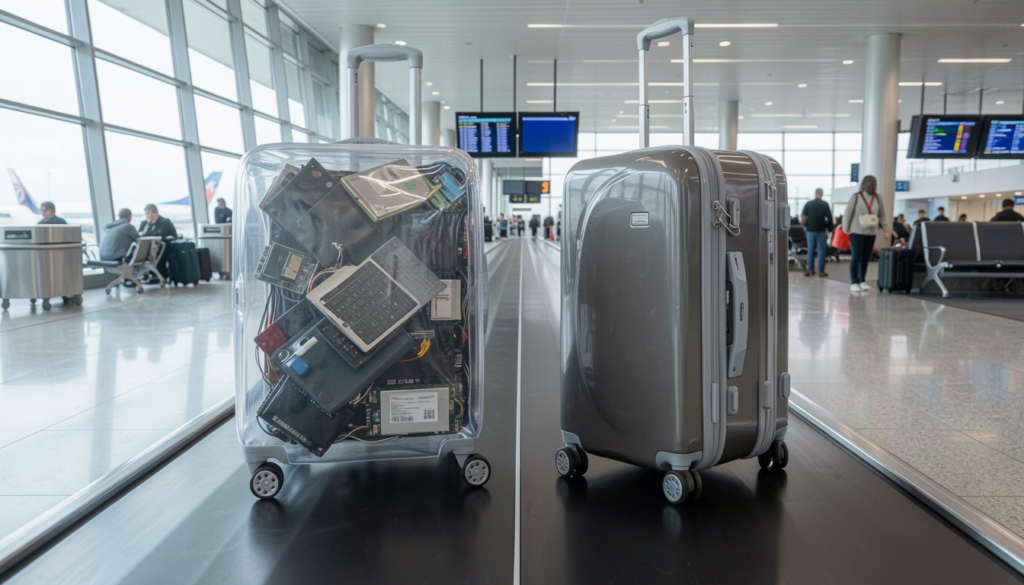
Smart Luggage and TSA Electronics Rules
Smart luggage has become popular because it combines traditional suitcases with built-in technology such as GPS tracking, USB charging ports, Bluetooth connectivity, and digital locks. However, these features also mean travelers must pay close attention to TSA Electronics Rules.
The biggest concern is the built-in lithium battery found in many smart suitcases.
Can You Bring Smart Luggage on a Plane?
In most cases, yes. However, there is one important requirement:
- Removable battery: ✅ Allowed
- Non-removable lithium battery: ⚠️ May not be accepted as checked baggage and could be refused by the airline.
If you need to check your smart suitcase, remove the battery before handing it to the airline if the design allows.
Smart Luggage Features
Many modern smart suitcases include:
- USB charging ports
- GPS tracking
- Bluetooth connectivity
- Digital locks
- Built-in scales
- Mobile app integration
These features are generally acceptable, provided the battery complies with airline and FAA safety requirements.
Traveling Internationally with Electronics
Although this guide focuses on TSA Electronics Rules for U.S. airports, international travelers should remember that security rules may differ in other countries.
If you’re flying from the United States to another country, you’ll first pass through TSA screening. After arrival, local airport authorities may have additional rules.
International Travel Tips
Before flying abroad:
- Check your airline’s baggage policy.
- Verify battery restrictions for connecting flights.
- Carry valuable electronics in your cabin bag.
- Bring the correct power adapters.
- Download offline maps.
- Keep receipts for expensive electronics if needed for customs.
- Ensure your passport and travel documents are easily accessible.
Electronics to Keep Accessible
During long international flights, keep these items within easy reach:
- Smartphone
- Tablet
- Laptop
- Headphones
- Charging cables
- Portable charger
- E-reader
- Travel documents
This makes security checks and in-flight use much more convenient.
Airport Security Screening Tips
Knowing what happens at the checkpoint can help you pass through security quickly.
Before You Reach the Checkpoint
Prepare by:
- Emptying your pockets.
- Organizing electronics together.
- Removing large electronics if instructed.
- Keeping your ID and boarding pass ready.
- Placing loose items in your carry-on.
During Screening
A TSA officer may ask you to:
- Remove your laptop.
- Separate large electronics.
- Power on a device.
- Open a camera bag.
- Inspect batteries.
- Perform additional screening if necessary.
Stay calm and follow instructions. Extra screening does not necessarily mean there is a problem.
After Screening
Before leaving the checkpoint:
- Count all your electronics.
- Collect chargers and cables.
- Double-check security bins.
- Inspect devices for damage.
- Secure valuables before walking away.
Many travelers accidentally leave phones, tablets, or headphones behind after passing through security.
Common Mistakes Travelers Make
Even experienced travelers sometimes make avoidable mistakes when packing electronics.
1. Packing Power Banks in Checked Luggage
This is one of the most common errors.
Correct: Always pack power banks in your carry-on.
2. Forgetting Spare Batteries
Loose lithium batteries should never go into checked baggage.
Store them safely in protective battery cases inside your carry-on.
3. Traveling with Dead Devices
TSA officers may ask you to turn on a laptop or phone.
If it won’t power on, you could face additional screening.
4. Overpacking Electronics
Carrying multiple laptops, cameras, tablets, drones, and accessories in one bag can slow down the inspection process.
Only bring what you actually need.
5. Poor Cable Organization
Loose cables can create clutter and make inspections take longer.
Use:
- Cable organizers
- Zip pouches
- Reusable cable ties
6. Checking Expensive Electronics
Although some electronics are allowed in checked baggage, valuable items are safer in your carry-on.
Examples include:
- Laptops
- Cameras
- Tablets
- External hard drives
- Gaming consoles
TSA Electronics Travel Checklist
Use this checklist before every flight.
Before Leaving Home
- ✅ Charge all devices.
- ✅ Back up important files.
- ✅ Enable device tracking.
- ✅ Pack chargers.
- ✅ Organize cables.
- ✅ Protect screens.
- ✅ Label expensive electronics.
- ✅ Download boarding passes.
- ✅ Check airline battery rules.
- ✅ Remove unnecessary electronics.
At Airport Security
- ✅ Follow TSA officer instructions.
- ✅ Remove laptops if required.
- ✅ Keep batteries accessible.
- ✅ Watch your belongings.
- ✅ Repack carefully after screening.
Before Boarding
- ✅ Count all electronics.
- ✅ Verify chargers are packed.
- ✅ Keep your phone charged.
- ✅ Store passports and electronics securely.
- ✅ Keep entertainment devices within reach.
Pros and Cons of Carrying Electronics While Flying
| Pros | Cons |
| Stay connected during travel | More items to organize |
| Access work files anytime | Longer security screening |
| Entertainment during flights | Risk of battery depletion |
| Easy communication | Additional charging needs |
| Better protection in carry-on | Extra carry-on weight |
| Access to navigation apps | Higher theft risk if unattended |
Voice Search Questions
Can I bring my laptop through TSA?
Yes. Laptops are allowed in both carry-on and checked baggage, but carrying them in your carry-on is strongly recommended.
Are power banks allowed on airplanes?
Yes, but only in your carry-on luggage.
Can TSA ask me to turn on my phone?
Yes. TSA officers may ask passengers to power on electronic devices during screening.
Can I pack a camera in checked luggage?
Yes, but most travelers choose to keep expensive cameras in their carry-on for better protection.
Is smart luggage allowed?
Yes, provided its lithium battery meets airline requirements and can be removed if the bag is checked.
Carry-On vs Checked Bag Comparison

| Electronic Device | Carry-On | Checked Bag | Notes |
| Smartphone | ✅ Yes | ✅ Yes | Carry-on recommended |
| Laptop | ✅ Yes | ✅ Yes | Carry-on strongly recommended |
| Tablet | ✅ Yes | ✅ Yes | Easier access during screening |
| Smartwatch | ✅ Yes | ✅ Yes | Carry-on preferred |
| DSLR Camera | ✅ Yes | ✅ Yes | Carry-on protects equipment |
| Gaming Console | ✅ Yes | ✅ Yes | Carry-on recommended |
| Bluetooth Headphones | ✅ Yes | ✅ Yes | No restrictions |
| External Hard Drive | ✅ Yes | ✅ Yes | Carry-on protects data |
| Portable Monitor | ✅ Yes | ✅ Yes | Carry-on preferred |
| Drone | ✅ Yes | ⚠️ Limited | Battery rules apply |
| Power Bank | ✅ Yes | ❌ No | Must stay in carry-on |
| Spare Lithium Batteries | ✅ Yes | ❌ No | Never pack in checked luggage |
Why Carry-On Is Usually Better
Packing electronics in your carry-on offers several advantages:
- Better protection from rough baggage handling
- Lower chance of theft or loss
- Easier access during the flight
- Faster TSA inspection
- Compliance with battery safety regulations
TSA Rules for Lithium Batteries
Lithium batteries power almost every modern electronic device. While they are safe for everyday use, damaged or overheated batteries can create fire hazards inside an aircraft.
That’s why TSA Electronics Rules work alongside FAA safety regulations to control how these batteries travel.
Types of Lithium Batteries
Built-In (Installed) Batteries
These are permanently installed in devices like:
- Smartphones
- Tablets
- Laptops
- Smartwatches
- Cameras
- Bluetooth speakers
- E-readers
These devices are generally allowed in both carry-on and checked luggage, although carry-on is preferred.
Spare Lithium Batteries
These include:
- Camera batteries
- Drone batteries
- Laptop replacement batteries
- Rechargeable battery packs
These must remain in your carry-on bag and should never be packed in checked baggage.
Power Banks
Power banks are one of the most misunderstood travel items.
Important Rule:
✅ Carry-On: Allowed
❌ Checked Bag: Not Allowed
Because a power bank is essentially a large lithium battery, it must stay with the passenger during the flight.
Battery Safety Tips
Before flying:
- Cover battery terminals with tape.
- Store batteries in protective cases.
- Avoid loose batteries in bags.
- Never carry damaged batteries.
- Keep batteries away from metal objects.
- Use manufacturer-approved chargers.
Common Battery Limits
Although most everyday travelers won’t exceed battery limits, professional photographers and videographers should know that very large batteries may require airline approval.
If you’re carrying multiple high-capacity batteries, always check your airline’s specific policies before traveling.
TSA Laptop Rules
Laptops are among the most commonly screened electronics at airport checkpoints.
Most airports still require passengers to remove laptops from carry-on bags unless using newer CT scanning systems.
During Security Screening
You may be asked to:
- Remove the laptop from its sleeve.
- Place it in a separate bin.
- Keep nothing on top of it.
- Wait until instructed before collecting it.
Following these steps helps TSA officers get a clear X-ray image.
Laptop Packing Tips
To protect your laptop:
- Use a padded sleeve.
- Fully charge the battery.
- Back up important files.
- Keep the charger nearby.
- Avoid placing heavy objects on top.
Business Traveler Tips
If you’re traveling for work:
- Carry your laptop instead of checking it.
- Store confidential documents securely.
- Encrypt sensitive files.
- Keep chargers in an easily accessible pocket.
- Bring a portable mouse if needed.
TSA Rules for Tablets and E-Readers
Tablets and e-readers usually pass through security without any issues.
Examples include:
- iPad
- Android tablets
- Kindle
- Kobo
- Microsoft Surface
Depending on the airport’s screening equipment, you may or may not need to remove them from your bag.
Best Practices
- Keep the screen protected.
- Charge before arriving.
- Store in a padded case.
- Keep accessories organized.
Flying with Smartphones
Your smartphone is one of the easiest electronics to travel with.
TSA allows phones in both carry-on and checked luggage.
However, carrying your phone with you is always the smarter option.
Why?
- Immediate access
- Reduced theft risk
- Easier communication
- Digital boarding passes
- Emergency contact availability
Phone Travel Checklist
Before your trip:
- Charge to 100%
- Download boarding passes
- Save hotel reservations
- Enable device tracking
- Back up photos
- Pack charging cable
- Carry a wall adapter
- Bring a portable charger
Cameras and Photography Equipment
Whether you’re taking vacation photos or traveling professionally, cameras are generally allowed through TSA checkpoints.
Common photography equipment includes:
- DSLR cameras
- Mirrorless cameras
- Action cameras
- Compact digital cameras
- Film cameras
- Camera lenses
- Camera flashes
- Lens filters
How to Pack Camera Gear
Professionals recommend:
- Keep cameras in padded compartments.
- Remove batteries if not installed.
- Carry expensive lenses with you.
- Use waterproof camera bags.
- Label memory cards.
Photography Gear Comparison
| Item | Carry-On | Checked Bag | Recommended |
| DSLR Camera | ✅ | ✅ | Carry-On |
| Mirrorless Camera | ✅ | ✅ | Carry-On |
| Camera Lens | ✅ | ✅ | Carry-On |
| Memory Cards | ✅ | ✅ | Carry-On |
| Spare Camera Battery | ✅ | ❌ | Carry-On Only |
| Tripod (Small) | ✅ | ✅ | Either |
| Camera Charger | ✅ | ✅ | Carry-On |
Gaming Consoles and Entertainment Devices

Gaming devices are increasingly common among travelers.
Examples include:
- Nintendo Switch
- Steam Deck
- PlayStation Portal
- ASUS ROG Ally
- Handheld retro consoles
These devices are permitted under TSA Electronics Rules.
Because they contain rechargeable batteries, carrying them in your carry-on is the safest choice.
Accessories You Can Bring
You can also pack:
- Controllers
- Charging docks
- HDMI cables
- USB-C cables
- Headsets
- Portable monitors
- Game cartridges
- SD cards
Medical Electronic Devices
Passengers who rely on medical electronics can travel with them under TSA guidelines.
Examples include:
- CPAP machines
- Portable oxygen concentrators (airline approval may be required)
- Insulin pumps
- Blood glucose monitors
- Hearing aids
- Nebulizers
- Mobility device batteries
Helpful Tips
- Inform the TSA officer if you use a medical device.
- Carry prescription documentation when possible.
- Pack medical equipment in your carry-on.
- Bring extra batteries if needed.
- Check airline requirements before departure.
Expert Tips for Traveling with Electronics
Travel experts recommend these best practices:
- ✔ Keep expensive electronics in your carry-on.
- ✔ Use TSA-friendly laptop backpacks.
- ✔ Label all chargers and cables.
- ✔ Carry a universal travel adapter for international trips.
- ✔ Use cable organizers to avoid tangled cords.
- ✔ Protect devices with padded sleeves or hard-shell cases.
- ✔ Back up important documents before flying.
- ✔ Enable “Find My Device” or similar tracking features.
- ✔ Keep batteries away from sharp or metal objects.
- ✔ Arrive early if traveling with multiple electronic devices.
FAQs
Can I bring electronics in my carry-on bag?
Yes. Under TSA Electronics Rules, most personal electronics—including laptops, smartphones, tablets, cameras, headphones, and gaming devices—are allowed in carry-on luggage. In fact, carrying valuable electronics in your cabin bag is usually the safest option.
Are power banks allowed in checked baggage?
No. Power banks contain lithium batteries and must be packed in your carry-on luggage. They are not permitted in checked baggage because of fire safety regulations.
Do I have to remove my laptop at TSA security?
In many airports, yes. You may be asked to remove your laptop from your bag and place it in a separate screening bin. However, some airports with advanced CT scanners allow travelers to leave laptops inside their bags.
Can TSA ask me to turn on my electronic device?
Yes. TSA officers may request that you power on devices such as laptops, tablets, or smartphones during security screening. Make sure your devices are charged before arriving at the airport.
Can I bring multiple electronic devices on a plane?
Yes. There is generally no limit on the number of personal electronic devices you can carry for personal use. However, bringing many devices may result in additional security screening.
Can I pack camera equipment in checked luggage?
Yes, but it is not recommended for expensive gear. Cameras, lenses, and memory cards are much safer in your carry-on bag to reduce the risk of damage or loss.
Are Bluetooth devices allowed through TSA?
Yes. Bluetooth headphones, wireless earbuds, speakers, keyboards, mice, and other Bluetooth-enabled devices are permitted in both carry-on and checked luggage.
Can I travel with spare lithium batteries?
Yes, but spare lithium batteries must be packed in your carry-on luggage. Protect the battery terminals and store them in a battery case or original packaging.
Is smart luggage allowed on airplanes?
Yes. Smart luggage is generally allowed if its lithium battery is removable. If you need to check the suitcase, remove the battery first if required by your airline.
What is the best way to pack electronics for air travel?
The safest approach is to:
- Keep valuable electronics in your carry-on.
- Use padded cases for protection.
- Organize chargers and cables.
- Fully charge devices before your trip.
- Store spare batteries safely.
- Follow TSA and airline battery guidelines.
Conclusion
Understanding TSA Electronics Rules before your trip can save you time, reduce stress, and help you move through airport security with confidence. Fortunately, most everyday electronics—such as smartphones, laptops, tablets, cameras, gaming consoles, and Bluetooth accessories—are permitted on flights. The key is knowing where to pack them and how to prepare them for screening.
The most important rule to remember is that power banks and spare lithium batteries should always travel in your carry-on luggage. Keeping your devices charged, organized, and protected will make the security process smoother while also reducing the risk of damage or loss.
Before every trip, review your airline’s baggage policies, organize your electronics carefully, and arrive at the airport with enough time for security screening. Following these simple steps will help ensure a safe, hassle-free journey.
Read More: Can You Bring Shampoo on a Plane? TSA Rules, Carry-On Limits & Packing Tips (2026 Guide)